Features
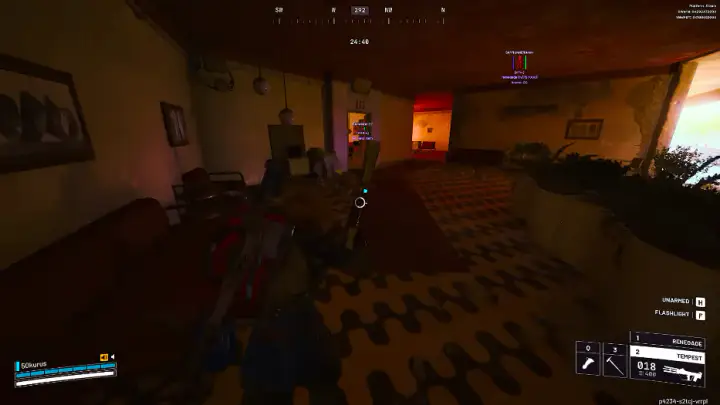
Arc Raiders Bone Aimbot Settings
Tune arc raiders aimbot FOV, smoothing and bone selection for third-person Raider fights.
Sections in this guide
FOV and smoothing
Keep FOV under 90° until you understand third-person camera offset in Arc Raiders — wide cones snap visibly in killcam-style reports.
Smoothing above 6–8 ms often looks natural at medium range; zero smoothing reads as rage in trios pushing extractions.
Bone selection
Chest or upper-spine bones balance TTK and visibility checks; head bones fail more often behind ARC plating and cover props.
Enable visibility-only targeting before bone aimbot — shooting through Rust Belt props triggers manual reports faster than kernel flags.
Session hygiene
Bind aimbot to a hold key, not toggle, so accidental activation does not happen in Speranza social space.
After Embark patches, re-test offline firing range configs before taking bone aimbot into contested topside — see load routine.
Product